Folder-triggered routines
Turn relevant file changes into bounded, repeatable agent tasks.
In this topic
- 01A file changes→
- 02Changes are grouped→
- 03Agent receives the task→
- 04Review the result
Use repeat-safe instructions. Changes made by the agent can require additional processing.
See the actual app · 2 screenshots
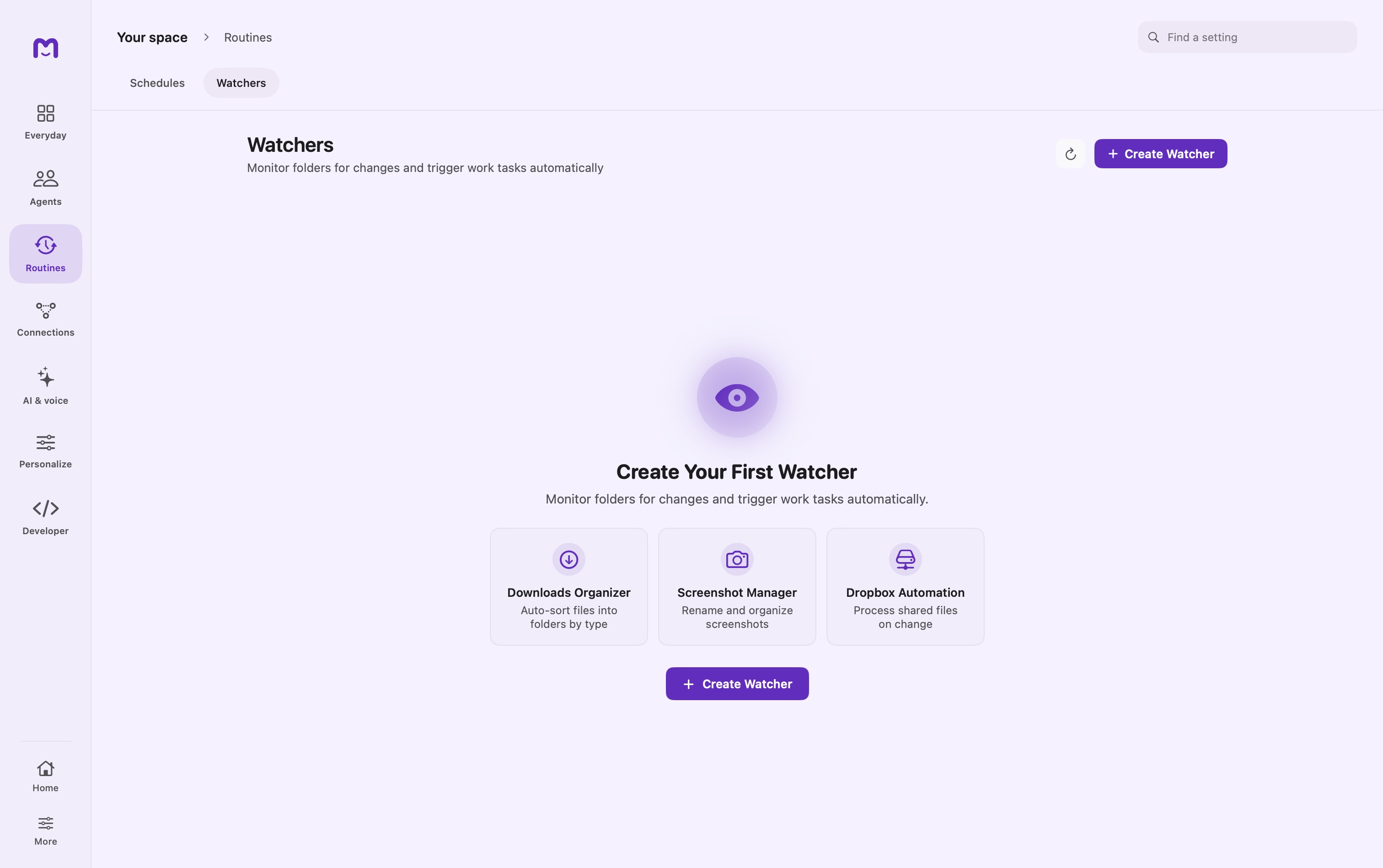
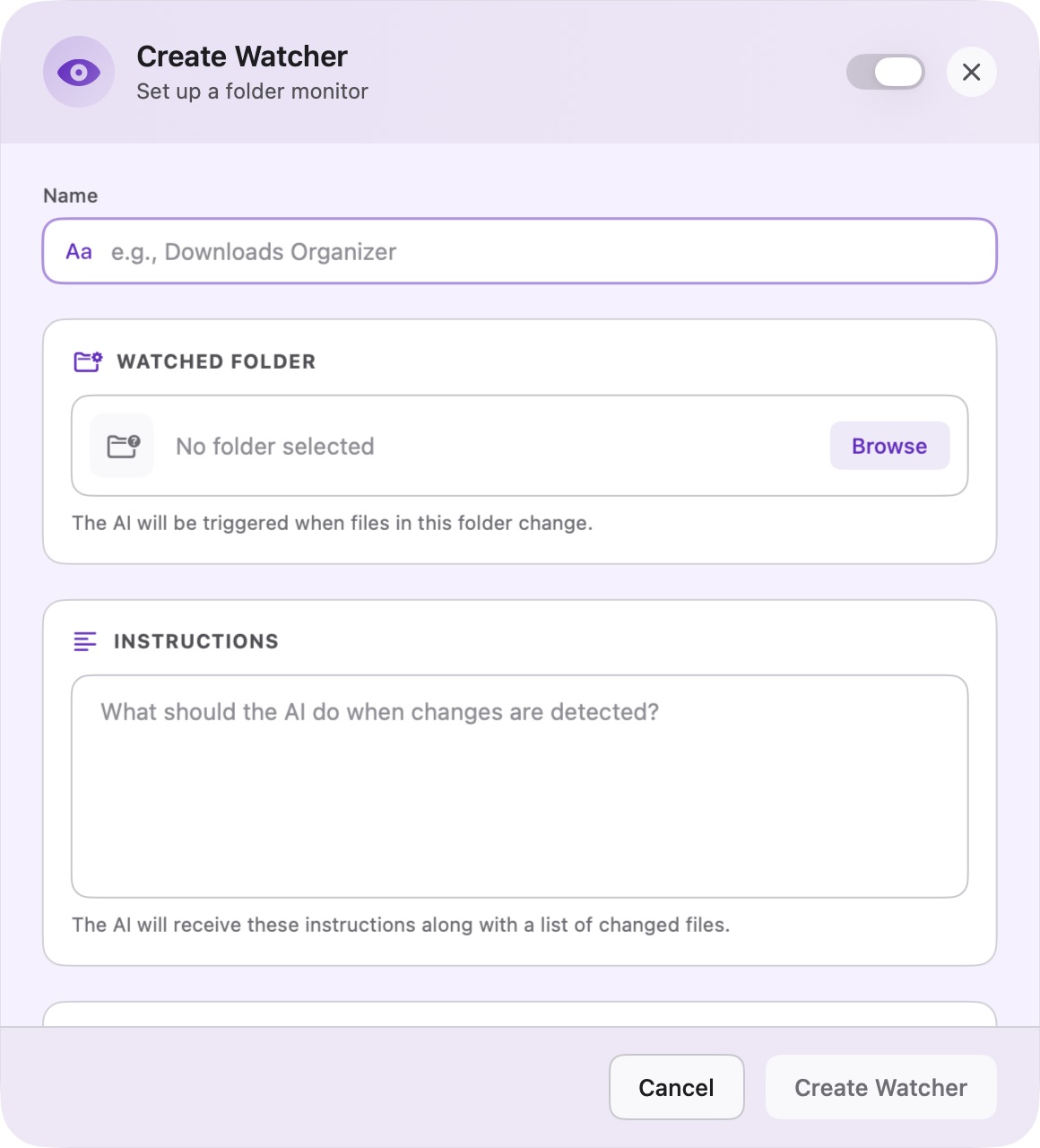
A watcher connects changes in one folder to an agent task. It is useful for an intake folder, incoming research, or a draft collection. The watcher detects activity; the instructions decide how the agent should interpret it.
Begin with a test folder
Create an empty folder and a custom agent with the required tools. Open Watchers, choose Create Watcher, then set the name, watched folder, instructions, target agent, recursive option, and responsiveness.
Use the folder picker for protected locations. A stored path alone may not provide the macOS permission that a selected folder supplies.
For a first test, ask for a read-only summary:
Inspect the changed files in this intake folder.
Report filename, likely purpose, and any missing context.
Do not rename, move, delete, or publish anything.
Skip temporary or incomplete downloads.
Save the watcher, add one completed file, and inspect its conversation. Expand to file-changing behavior only after the target and trigger are correct.
Choose a quiet period
Responsiveness is a debounce window: it groups nearby activity before dispatch. It is not a guarantee that a download is complete or that a model will reply within that duration.
| Setting | Approximate window | Suitable starting point |
|---|---|---|
| Fast | 200 ms | A single completed screenshot |
| Balanced | 1 second | General file intake |
| Patient | 3 seconds | Several files arriving together |
| Relaxed | 1 minute | Notes edited repeatedly |
| Deferred | 5 minutes | Longer writing activity |
| Extended | 10 minutes | A broader end-of-session checkpoint |
Recursive watching includes descendants. Leave it off when only direct children should trigger the responsibility.
What reaches the agent
The run receives the watcher instructions, watched-folder context, and a bounded list of changed paths. A large batch can be summarized with a count of additional paths; it is not necessarily a full listing of every changed file.
A local watcher uses the watched folder as the run's working folder. It does not silently substitute some other folder when the saved location is unavailable. A remote target receives the dispatched context, not automatic access to the local filesystem.
Make repeated runs harmless
Filesystem activity can produce several events for one human action. The agent's own edits may also cause new activity. Write the task so a repeated run can recognize completed work.
For a summary workflow, use a stable output name and compare the source before replacing it. For organization, skip files already filed. For ingestion, record a source identifier or content version rather than assuming every trigger is new material.
Do not use “process files from the last five minutes” as your only duplicate check: delays and clock differences can make that unreliable. Prefer checking the file and existing result.
Watch and review
A watcher's conversation collects its runs so you can inspect how it handled changes over time. Use Trigger Now for a controlled test, Pause while reorganizing the source folder, and Resume when the configuration is ready again.
After changing instructions, test one known file. After moving the folder, reselect it in the editor. Deleting a watcher removes the trigger; it does not undo file operations from previous runs.
Troubleshooting
| Symptom | Likely area to inspect |
|---|---|
| Nothing happens | Enabled state, app running, actual watched path |
| Nested file is ignored | Recursive setting |
| Folder access fails | Folder exists, macOS permission, saved bookmark |
| Too many runs | Responsiveness, generated outputs, repeated-write logic |
| Some files missing from the brief | Bounded event list; ask the agent to inspect the folder |
| Remote agent cannot read the file | Remote filesystem access or explicitly supplied input |
A stale bookmark means the saved folder permission no longer resolves cleanly. Choose the folder again rather than broadening access to unrelated directories. See Watcher internals for event processing and Tasks for file execution.
Continue exploring · Build your agent teamAgent records and self-scheduling →Use persistent records and scheduled follow-ups within an agent’s allowed capabilities.