Make a little room for routine
Use schedules for time-based work and watchers for changes in a folder.
Your space → Routines → Schedules or Watchers
Before you begin
A custom agent, its required tools and a host with Mellow running.
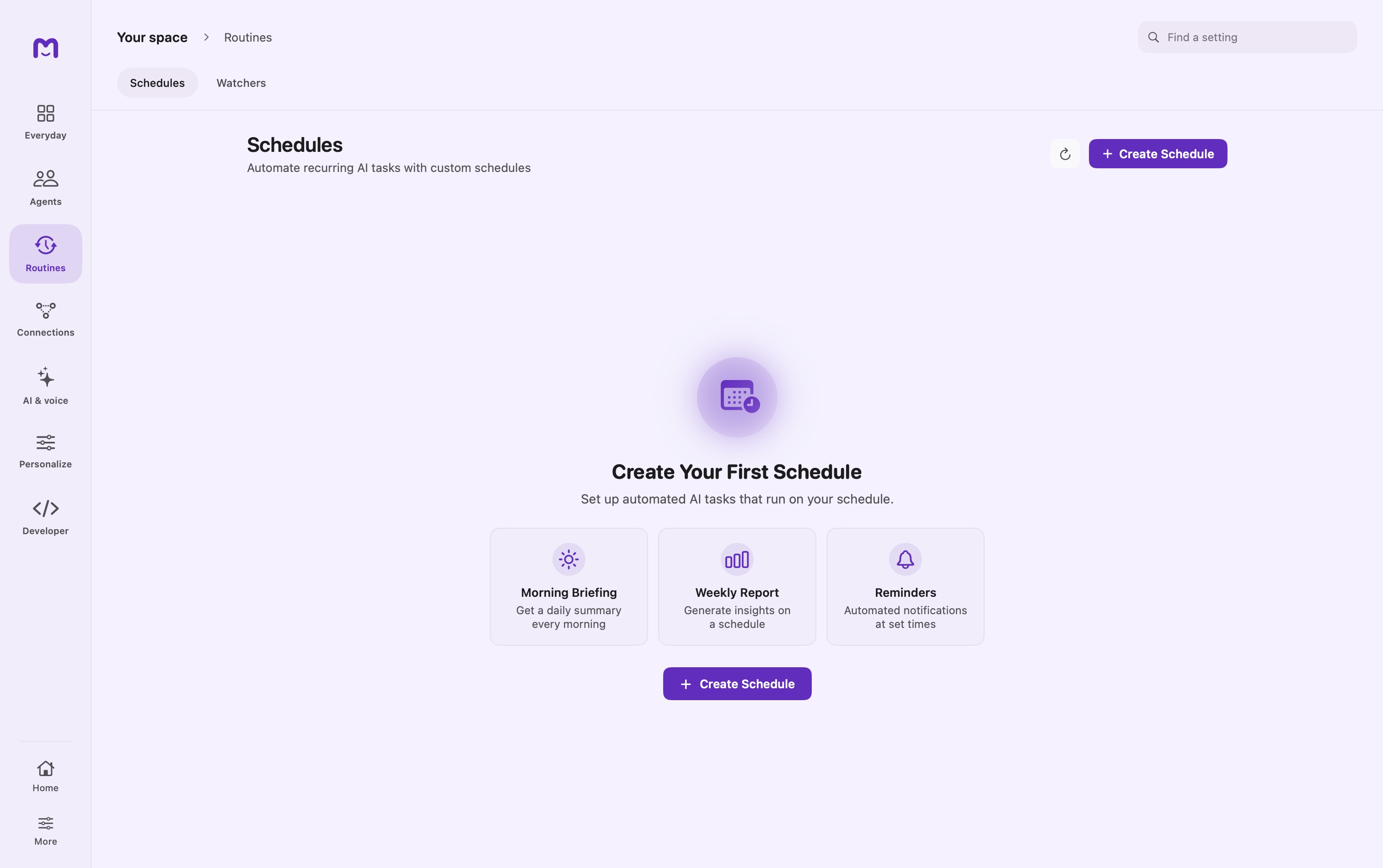
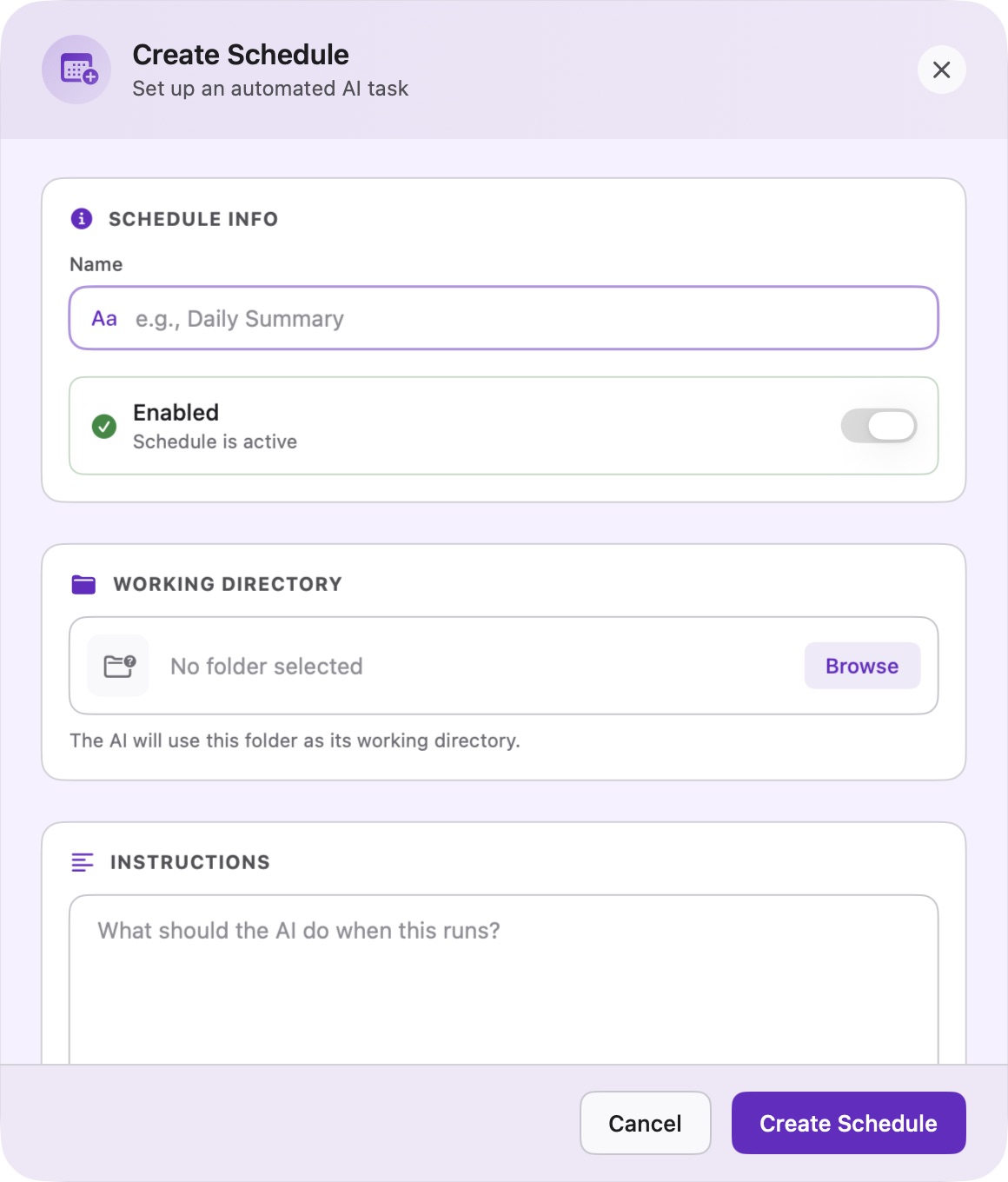
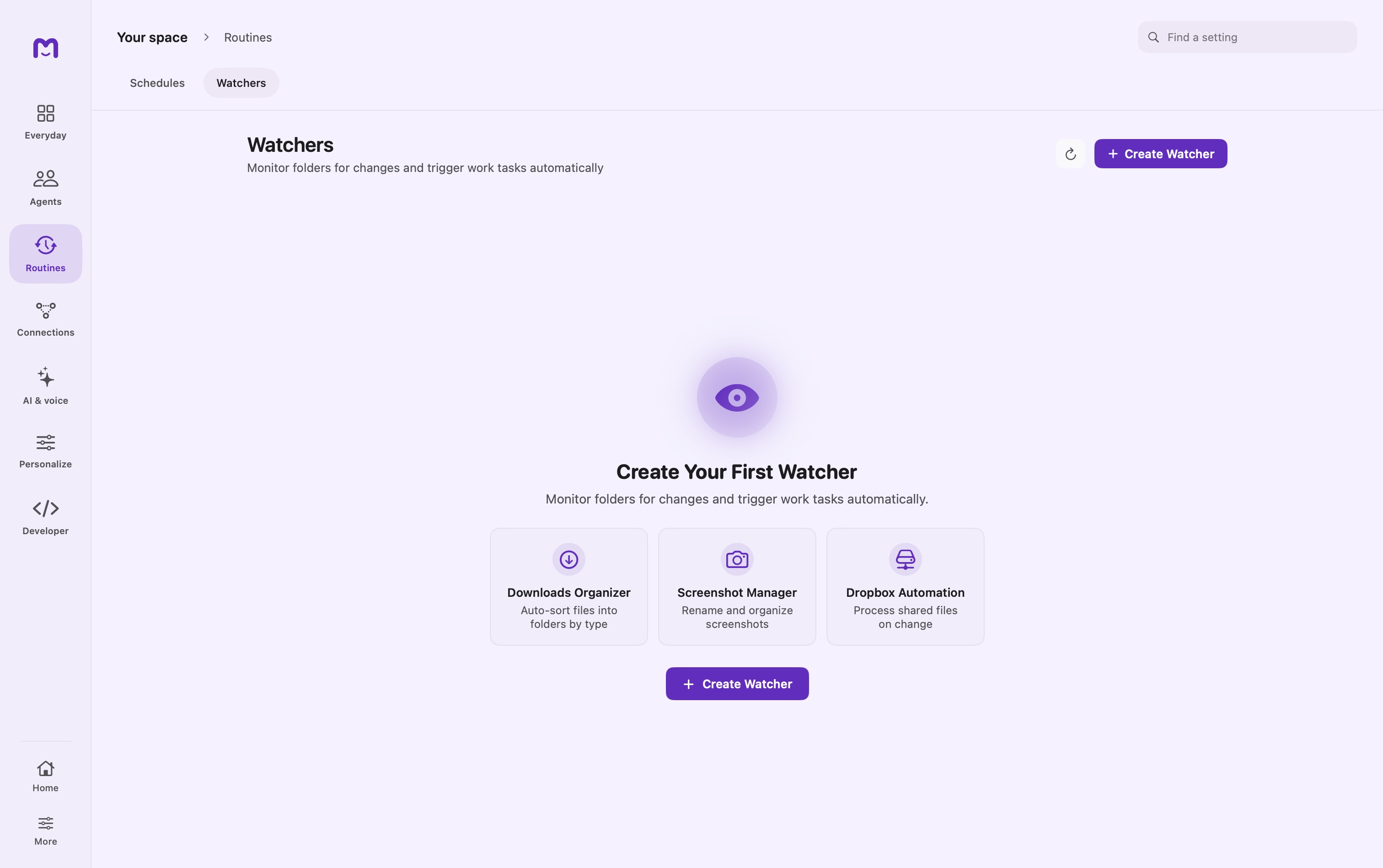
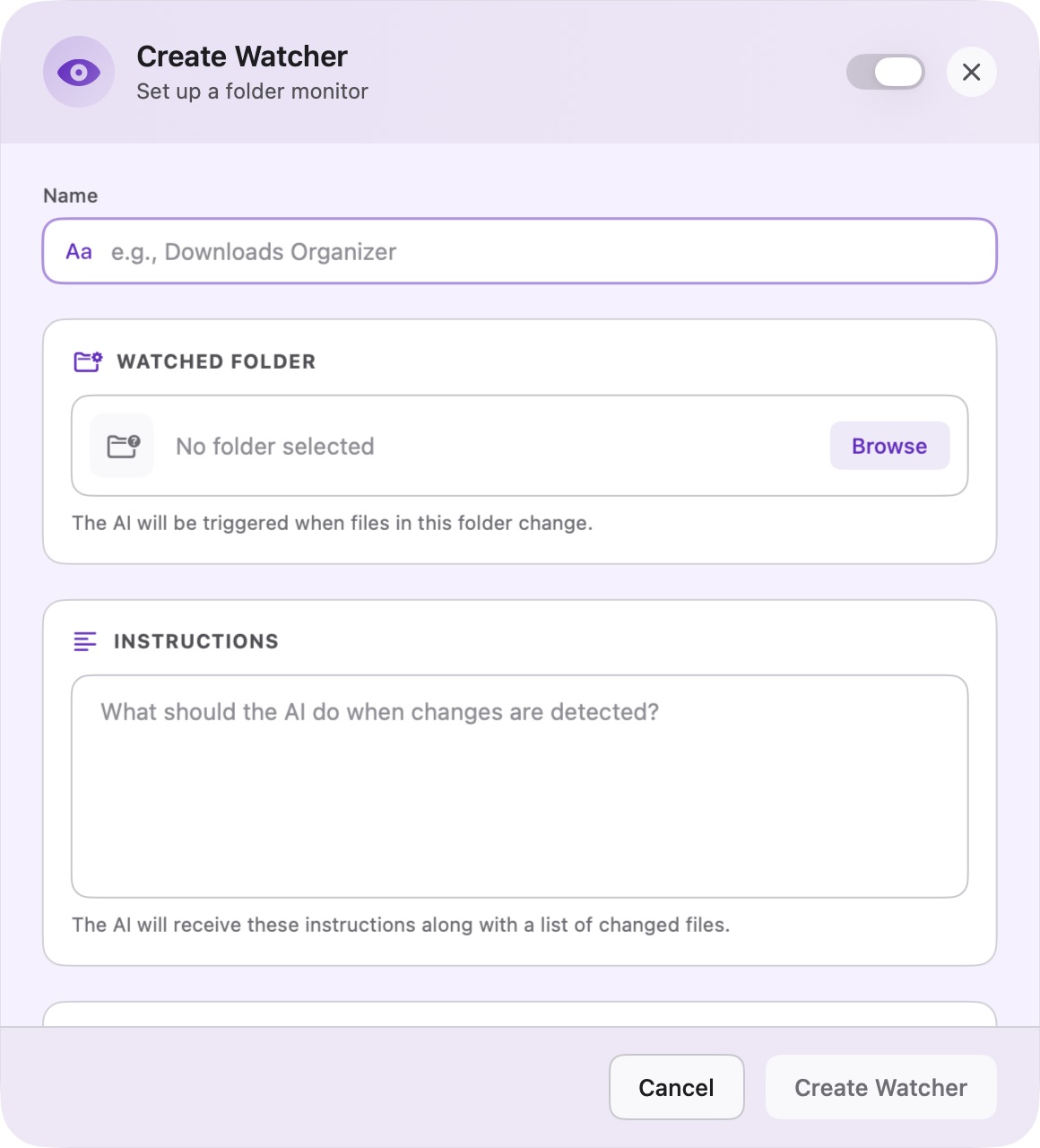
Set a schedule
Open Schedules and choose the agent, instructions and frequency. Review the next run and confirm the schedule is enabled.
Watch a folder
Create a Watcher with a folder and instructions. Choose whether to include subfolders and set responsiveness for the expected file activity.
Review and adjust
Inspect run history, pause a routine when needed and test with a small example before giving it broad file access.
Controls & reference
| Control or concept | How to use it |
|---|---|
| Name | A label that lets you recognize the routine later. |
| Working directory / Watched folder | Choose the actual folder with Browse. |
| Instructions | The task sent to the agent when triggered. |
| Agent | Select the helper configured for the work. |
| Frequency / Time | Review the displayed schedule summary before saving. |
| Recursive monitoring | Include nested folders only when intended. |
| Responsiveness | Groups nearby file changes; Balanced is shown as roughly one second in this build. |
Try it with a small task
Create a watcher for a temporary folder with instructions to list new filenames without moving or editing them. Add one test file, inspect the run, then pause the watcher.
If it does not work
- No run: check Enabled, host availability and folder access.
- Too many runs: choose a slower responsiveness and instructions that tolerate repeats.
Good to know
- Schedules and watchers need Mellow running; missed runs follow the configured policy.
- Write instructions that are safe to repeat, such as skipping already organized files.